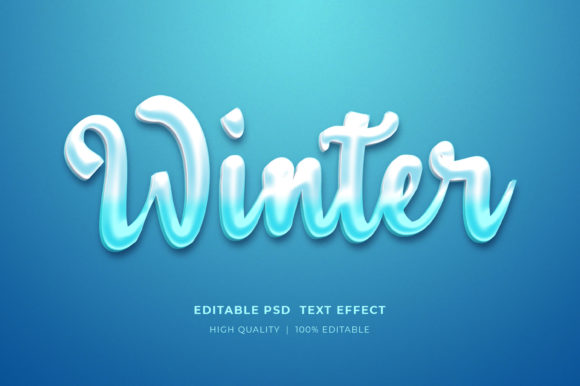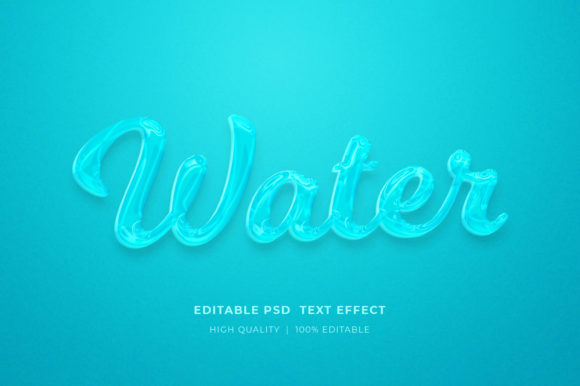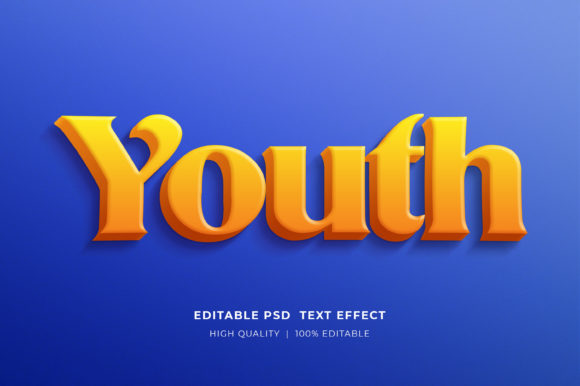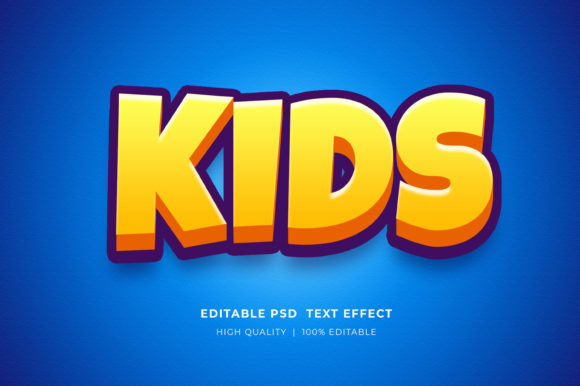
The Art of Depth: How to Master the Paper Folded Style 3D Text Effect in Photoshop
In the world of digital design, text is rarely just about conveying a message; it is about creating an experience. When you look at a movie poster, a vibrant social media banner, or a striking logo, your eye is often drawn not just by the words themselves, but by the way they interact with space and light. One of the most engaging techniques for achieving this visual pop is the paper folded style 3D text effect. This technique mimics the tactile quality of folded paper, giving flat typography a surprising sense of dimension, shadow, and realism.
For both novice designers and seasoned creatives, understanding how to implement this effect can transform ordinary graphics into professional-grade assets. This guide explores what this effect is, why it matters, and exactly how to utilize high-quality resources to achieve stunning results without starting from scratch.
Understanding the Paper Folded Aesthetic
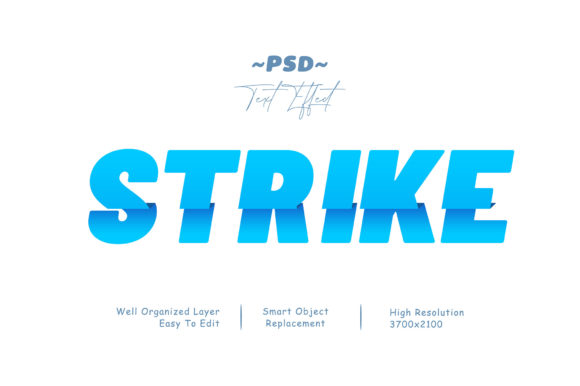
What exactly is a "paper folded" text effect? At its core, it is a stylistic approach that simulates the physical properties of paper. Imagine taking a piece of cardstock and folding it sharply to create letters. The result is a character that appears to have thickness, creases, and varying shades of light and dark depending on the angle of the fold.
This aesthetic is significant because it bridges the gap between the digital and physical worlds. In an era dominated by screens, our brains are wired to respond to cues of realism. Shadows, highlights, and textures signal depth, making the content feel more tangible and trustworthy. Whether you are designing a cartoon title for a children’s book or a sleek logo presentation for a modern brand, the paper fold adds a layer of sophistication that standard fonts simply cannot provide.
Why Choose This Style?
- Visual Interest: It breaks the monotony of flat design, drawing the viewer's attention immediately.
- Versatility: It works across various themes, from playful and whimsical to clean and minimalist.
- Professional Polish: It suggests effort and detail, elevating the perceived value of your project.
The Power of Smart Objects in Photoshop
One of the most critical aspects of modern graphic resource files is the use of Smart Objects. If you have ever downloaded a template only to find yourself struggling to edit it, you likely encountered a file that was not built with non-destructive editing in mind. However, premium resources, such as those offering a paper folded 3D text effect, are typically designed with efficiency and flexibility in mind.
A Smart Object acts like a protective container. Instead of rasterizing (flattening) your text, which permanently alters the pixels and makes editing difficult, the Smart Object keeps the text editable. This means you can change the font, the color, the size, or even the content of the text at any time, and the complex 3D effects, shadows, and folds will update automatically. This feature is invaluable for designers who need to iterate quickly or create multiple variations of a design for different clients.
Step-by-Step Guide: Applying the Effect
Using a pre-made graphic resource for a paper folded 3D text effect is remarkably straightforward. You do not need to be a master of Photoshop’s layer styles to achieve professional results. Here is how the process generally works when utilizing a well-organized PSD file:
- Open the File: Launch Adobe Photoshop and open the provided PSD file. Ensure your workspace is set up so you can see the Layers panel clearly.
- Locate the Smart Object: Look for a layer specifically named something like "Your Text" or "Replace Text Here." It will usually have a small icon in the bottom right corner of the layer thumbnail indicating it is a Smart Object.
- Edit the Content: Double-click this Smart Object layer. This action will open a new tab containing the placeholder text. Simply delete the placeholder and type your own text. Adjust the font size and alignment if necessary within this tab.
- Save and Update: Once you are happy with your text, save the file (Ctrl+S or Cmd+S). Do not close the tab yet; just saving it is enough. Return to your main Photoshop document.
- Finalize: Instantly, the 3D paper effect will update to reflect your new text. The folds, shadows, and lighting will adapt to the length and shape of your words.
This workflow saves hours of manual work. Instead of manually creating shadows, extrusions, and gradient overlays for every letter, you are leveraging a pre-built engine that handles the heavy lifting.
Practical Applications in Modern Design
The versatility of the paper folded 3D text effect allows it to fit into a wide array of design projects. Here are some common scenarios where this asset shines:
Social Media and Digital Marketing
In the crowded landscape of social media, standing out is crucial. Using this effect for Facebook covers, YouTube channel art, or Twitter headers can instantly make your profile look curated and high-end. For Banner promotions, the 3D text draws the eye to the call-to-action, potentially increasing click-through rates.
Print and Merchandise
The tactile nature of the paper fold translates beautifully to print. It is an excellent choice for T-shirt designs, Clothing graphics, and Flyers. When printed, the illusion of depth can mimic actual embossing or foil stamping, adding a premium feel to merchandise. Similarly, for Greeting cards or Placards, the effect adds a celebratory or formal tone depending on the font choice.
Branding and Identity
For Logo presentations and Poster designs, this effect provides a dynamic backdrop for brand names. It allows designers to experiment with bold, chunky typography that feels substantial and memorable. It is also widely used in Illustrations and Movie titles where the text needs to act as a central visual element rather than just informational text.
Maximizing Your Design Potential
To get the most out of your paper folded text resources, keep the following tips in mind:
- Check Resolution: Ensure the file is High Resolution (typically 300 DPI) if you plan to print. Low-resolution files may appear pixelated when scaled up for posters or banners.
- Organize Your Layers: Good resources come with Well Organized Layers. Take a moment to rename your layers as you work. This habit prevents confusion, especially when dealing with complex effects.
- Experiment with Colors: While the default colors might be neutral, try changing the fill color of your Smart Object to match your brand palette. The 3D effect will retain its shading logic, adapting seamlessly to reds, blues, or greens.
- Read the Documentation: Most high-quality templates include a Help File or Read Me.txt. Always check this first. It may contain specific instructions on font compatibility or recommended settings for optimal rendering.
Common Misconceptions
A common assumption among beginners is that creating 3D text requires advanced knowledge of 3D modeling software like Blender or Cinema 4D. While those tools offer unparalleled control, they also have steep learning curves. The paper folded style effect demonstrates that you can achieve impressive 3D-like results using standard 2D design tools like Photoshop, provided you use the right techniques and templates.
Another misconception is that these effects are static. Because they rely on Smart Objects, they are highly dynamic. You are not locked into one version of the text. This flexibility makes them ideal for agencies or freelancers who need to produce multiple deliverables for a single client efficiently.
Conclusion
The paper folded style 3D text effect is more than just a trendy filter; it is a powerful tool for enhancing visual communication. By combining the simplicity of Smart Objects with the aesthetic appeal of realistic textures, designers can create impactful graphics for websites, social media, and print media with minimal effort. Whether you are crafting a Cartoon title, a Logo presentation, or a simple Greeting card, leveraging these resources allows you to focus on creativity rather than technical hurdles. Embrace the depth, organize your layers, and watch your text come to life.
If you find value in these resources, consider rating the file or sharing your creations. Community feedback helps creators improve their tools, ensuring that the design ecosystem continues to evolve with better, easier-to-use assets for everyone.