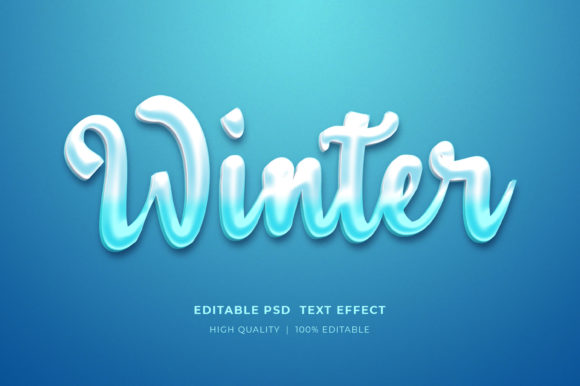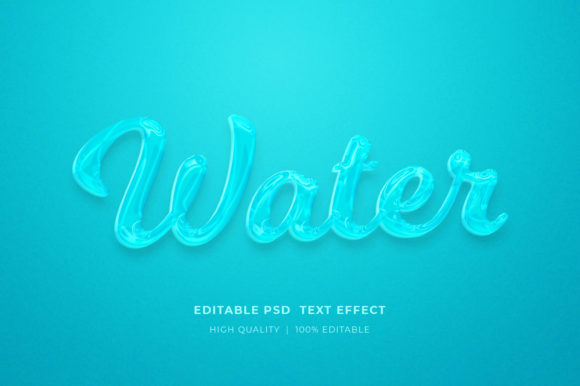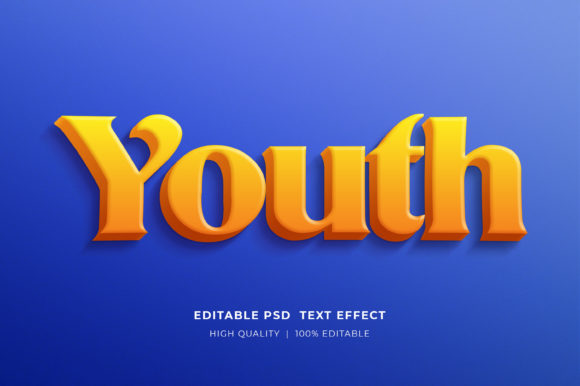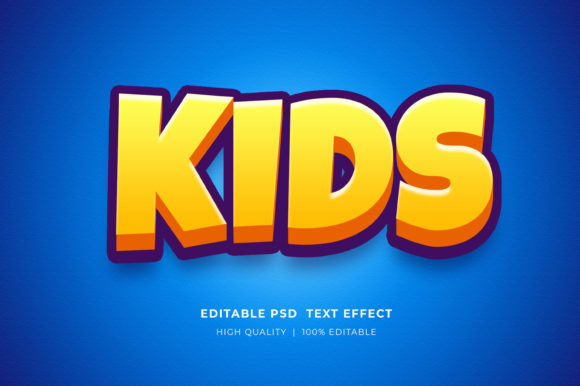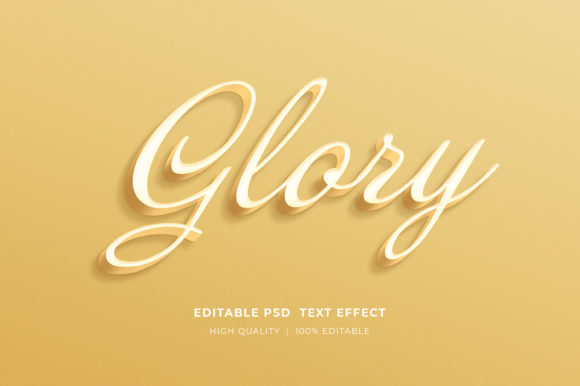
Glory 3D Editable Style Text Effect
In the fast-paced world of digital design, time is often the most valuable resource. Whether you are a freelance graphic designer working against a tight deadline, a small business owner trying to maintain a consistent brand presence, or a marketer looking to boost engagement on social media, the ability to quickly produce high-quality visuals is essential. This is where tools like the Glory 3D Editable Style Text Effect come into play. It represents more than just a decorative font; it is a comprehensive solution for creating depth, dimension, and visual impact in your typography without requiring advanced manual modeling skills.
The core value of this asset lies in its efficiency. Instead of spending hours manually extruding letters, adjusting lighting, and refining shadows in Adobe Photoshop, you can achieve professional-grade 3D text results in seconds. This effect allows creators to focus on the message rather than the mechanics of rendering. By leveraging smart objects and well-organized layers, the workflow becomes intuitive, making it accessible even to those who may not consider themselves expert-level designers.
Understanding the Core Features
At its heart, the Glory 3D Editable Style Text Effect is built on the foundation of Adobe Photoshop’s smart object technology. This is a critical feature because it separates the design process from the final output, allowing for non-destructive editing. When you receive the files, they are typically packaged in a compressed zip format. Extracting these files is straightforward: simply right-click the folder and select “Extract Here.” Once opened, you will find a well-structured PSD file that serves as the working template.
The primary strength of this tool is its ease of use. The interface is designed to be user-friendly, with clear instructions embedded in the workflow. To change the text, logos, or icons, you only need to double-click on the designated smart object layer. This action opens a new tab where you can utilize the type tool to input your desired content. Because the 3D styling is applied as an effect rather than baked into the pixels, any changes you make to the text—whether it’s a single letter or an entire paragraph—will automatically update within the 3D structure. This dynamic relationship between the text layer and the 3D style ensures consistency and saves significant revision time.
Furthermore, the asset is organized with precision. Layers are grouped logically, making it easy to isolate specific elements if you wish to tweak colors, adjust positioning, or modify individual components. The file supports RGB color modes and is available in high resolution, ensuring that your designs remain crisp whether they are viewed on a mobile screen or printed on large-format banners. This attention to technical detail reflects a professional approach to asset creation, providing users with a reliable starting point for their projects.
Practical Applications Across Industries
The versatility of the Glory 3D Editable Style Text Effect makes it suitable for a wide array of applications. In the realm of marketing, it can transform mundane announcements into eye-catching advertisements. Imagine creating a promotional flyer for a local event or designing a Facebook timeline cover that stands out in a crowded feed. The added depth and shadow provided by the 3D effect draw the viewer’s eye, increasing the likelihood of engagement.
For entrepreneurs and e-commerce sellers, this tool offers immense value. Print-on-demand (POD) businesses frequently require unique designs for T-shirts, mugs, and other merchandise. Using this editable text effect, you can rapidly generate variations of slogans, brand names, or motivational quotes, testing different styles to see what resonates with your audience. Similarly, KDP (Kindle Direct Publishing) authors can create striking book covers that compete visually with bestsellers. A compelling title treatment is often the first thing a potential reader notices, and a polished 3D text effect can elevate the perceived quality of the entire book.
Educators and bloggers also benefit from this efficiency. Creating educational posters, presentation slides, or website headers requires clear communication and aesthetic appeal. The ability to quickly edit text allows for the creation of customizable templates that can be reused across multiple campaigns or lessons. For instance, a teacher might use the same 3D style for weekly quiz titles, maintaining a consistent visual theme throughout the semester while changing the content each week.
Enhancing Brand Identity and Communication
Consistency is key to building a strong brand identity. By using a standardized 3D text effect across various touchpoints—such as web banners, logo presentations, and print materials—you create a cohesive visual language. This uniformity helps audiences recognize your brand instantly. Moreover, the 3D aspect adds a sense of tangibility and importance to the words. In digital spaces where attention spans are short, a textured, dimensional headline cuts through the noise more effectively than flat text.
From a user experience perspective, well-designed typography guides the reader. The Glory effect provides visual hierarchy, allowing important information to stand out. When used correctly, it enhances readability by adding contrast and separation from the background. This is particularly useful in busy layouts where multiple elements compete for attention. By ensuring that key messages pop, you improve the overall clarity of your communication.
Considerations for Implementation
While the Glory 3D Editable Style Text Effect is powerful, it is important to use it judiciously. Overuse of heavy 3D effects can lead to visual clutter, which may overwhelm the viewer. The best results often come from balancing the boldness of the text with clean, uncluttered backgrounds. Additionally, always ensure that the contrast between the text and its backdrop is sufficient to maintain legibility, especially for accessibility purposes.
When selecting such assets, consider the source and the level of customization offered. The fact that this template includes editable text, colors, and elements means you are not locked into a single look. You can adapt the style to fit different color palettes and brand guidelines. However, it is wise to review the layer organization before diving in. Understanding how the smart objects are linked will help you avoid accidental edits that could break the 3D effect.
Finally, remember that technology is a tool, not a replacement for good design principles. While the Glory effect handles the heavy lifting of rendering, you still need to consider composition, color theory, and typography pairing. Use this asset as a foundation to build upon, experimenting with fonts, sizes, and placements to find the perfect balance for your specific project.
Getting Started and Support
If you are ready to incorporate this efficient workflow into your design process, getting started is simple. After extracting the files, open the main PSD in Adobe Photoshop. Double-click the smart object, enter your text, and save. The magic happens automatically. Should you encounter any issues or have questions about the layers, support is available through the creator’s profile page. Engaging with the community and providing feedback, such as a five-star rating, helps creators continue to refine and release high-quality resources. By leveraging tools like the Glory 3D Editable Style Text Effect, you empower yourself to produce professional, impactful designs with greater speed and confidence.