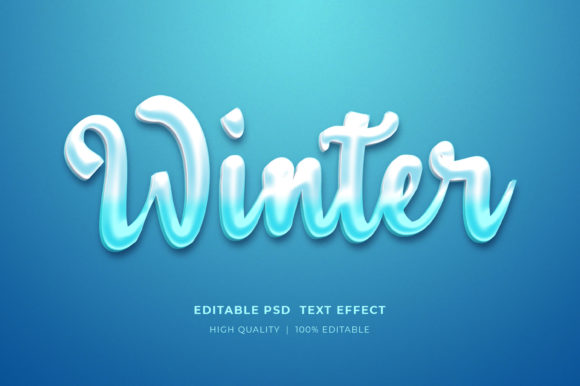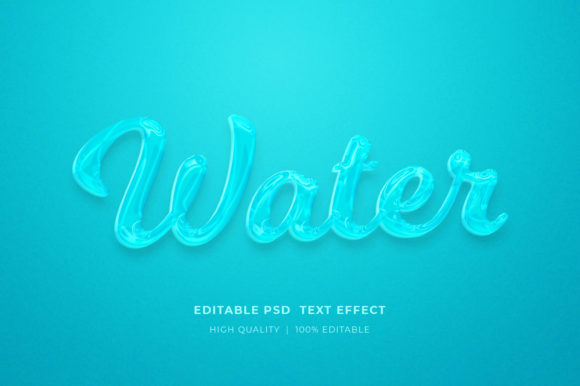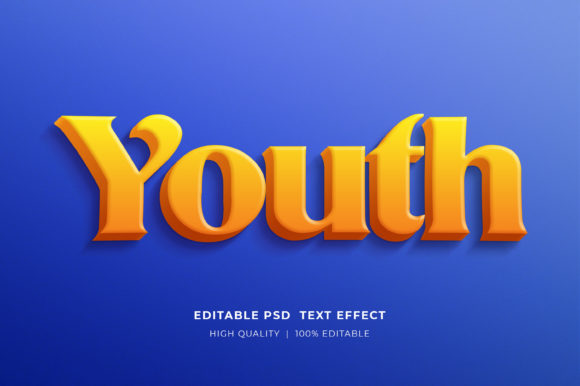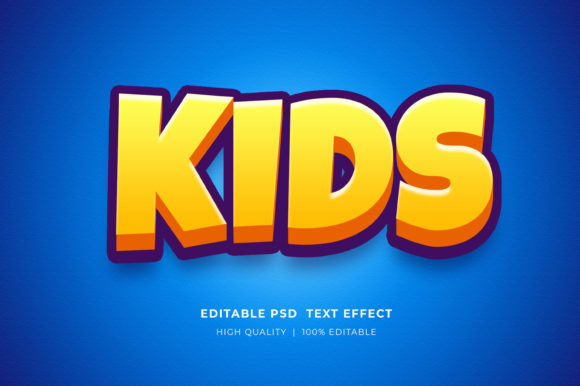
Cube Cartoon Style 3d Text Effect
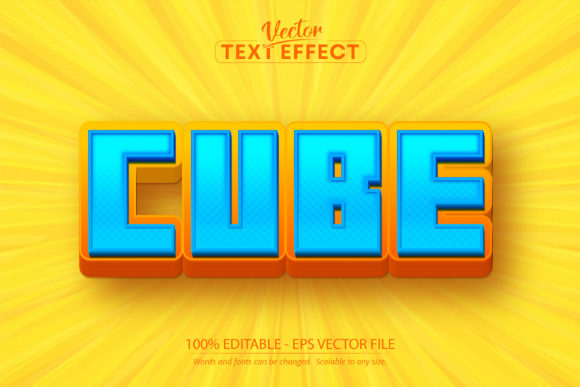
Hello there, and welcome to a fresh perspective on digital typography. In an era where visual communication moves at the speed of light, standing out requires more than just good copy; it demands a distinctive aesthetic that grabs attention instantly. I am happy to present my new Cube Cartoon Style 3d Text Effect, a design solution crafted for creators who want to inject personality and depth into their projects without spending hours on complex 3D modeling.
This isn’t just another decorative font download. It is a specialized graphic asset designed specifically for Adobe Illustrator, offering a unique blend of playful cartoon aesthetics and structural precision. Whether you are a marketer designing a social media campaign, a freelancer crafting a logo, or an educator creating engaging educational materials, this tool provides the flexibility to type whatever you want and see the effect applied immediately. Let’s explore how this specific text effect fits into modern creative workflows and why it might be the missing piece in your design toolkit.
Understanding the Cube Cartoon Aesthetic
The trend toward "chunky" and tactile typography has been gaining momentum across digital platforms. Users are increasingly drawn to designs that feel tangible, friendly, and approachable. The Cube Cartoon Style 3d Text Effect taps directly into this psychological preference by mimicking the look of physical blocks or toys. This style bridges the gap between professional branding and casual, fun engagement.
Unlike flat design, which can sometimes feel sterile or overly corporate, 3D cartoon styles add weight and dimension. They suggest solidity and reliability while maintaining a sense of whimsy. For businesses looking to humanize their brand voice, this effect offers a subtle way to communicate warmth and creativity. It is particularly effective for brands targeting younger demographics or those in the entertainment, education, and lifestyle sectors.
However, achieving this look traditionally requires significant technical skill. Designers often spend considerable time extruding shapes, adjusting lighting, and refining edges to avoid jagged artifacts. This effect simplifies that process dramatically. By providing a pre-built structure, it allows users to focus on the message rather than the mechanics of rendering. You simply edit the text, and the geometry handles the rest, ensuring a consistent and polished result every time.
Why Adobe Illustrator is Essential
A critical aspect of this resource is its compatibility. The Cube Cartoon Style 3d Text Effect is built as an ADOBE ILLUSTRATOR EPS CS6 file format. It is important to understand that this is not a standard font file (like .ttf or .otf) that you install into your system. Instead, it is a vector-based effect within Illustrator. This distinction matters for several reasons related to workflow and quality.
- Precision Editing: Because it relies on Illustrator’s vector engine, every curve and edge remains crisp regardless of size. You can scale the text from a small icon to a massive billboard without losing resolution.
- Non-Destructive Workflow: The effect is fully editable. You can change the font family used for the base letters, adjust colors, and modify individual components. This flexibility means you can tailor the effect to match any brand guideline.
- Software Specificity: As noted in the product details, this effect cannot be opened with other software. While this might seem like a limitation, it ensures that the complex layering and grouping required for the 3D cube appearance remain intact. Using compatible software prevents broken links or lost effects that often plague cross-platform design files.
For professionals already using Adobe Creative Cloud, this integration is seamless. It eliminates the need to export to Photoshop for rasterization or use third-party plugins that may introduce inconsistencies. It keeps the entire process within one robust ecosystem, streamlining the path from concept to final output.
Practical Applications Across Industries
The versatility of the Cube Cartoon Style 3d Text Effect makes it applicable to a wide range of professional scenarios. Here is how different user groups can leverage this asset:
Marketing and Social Media
In the crowded landscape of social media feeds, static images often get overlooked. Animated or highly stylized text can stop the scroll. Use this effect for eye-catching headlines in Instagram posts, Facebook ads, or YouTube thumbnails. The bold, blocky nature of the cubes commands attention, making it ideal for promotional campaigns where readability and impact are paramount.
Branding and Logo Design
Startups and established businesses alike are moving away from minimalist logos toward more character-driven identities. If you are designing a logo for a toy company, a children’s app, or a creative agency, this text effect provides a ready-made foundation. You can customize the colors and spacing to create a unique logotype that feels custom-made rather than templated.
Education and E-Learning
Educators know that visual variety helps maintain student engagement. When creating presentations, worksheets, or online course materials, standard fonts can become monotonous. Incorporating 3D cartoon text breaks up the visual monotony and signals important information. It adds a layer of interactivity to static documents, making learning materials feel more dynamic and inviting.
Merchandise and Print-on-Demand
For entrepreneurs selling t-shirts, mugs, or stickers, having high-quality vector assets is crucial. Since this file is scalable to any size, you can prepare artwork for both small print runs and large-scale production without worrying about pixelation. The clean vector lines ensure that your designs reproduce accurately on various materials, from fabric to paper.
How to Integrate This Into Your Workflow
Getting started with the Cube Cartoon Style 3d Text Effect is straightforward, but following best practices will ensure the best results. Upon downloading, you will receive a zip file containing the eps cs6 format file, a preview JPG file, and an information Readme.pdf file. Here is a recommended approach to using these assets effectively:
- Review the Documentation: Before diving in, read the Readme.pdf. It contains specific instructions on how to unlock layers and edit text fields. Understanding the structure of the file will save you time and prevent accidental deletion of essential elements.
- Open in Compatible Software: Launch Adobe Illustrator and open the EPS file. Ensure you are using a version compatible with CS6 or newer to access all features.
- Edit the Base Text: Select the text box and type your desired content. Remember, the underlying font used in the preview is for demonstration only. You should replace it with a font that matches your brand identity. The effect will automatically adapt to the new characters.
- Customize Colors and Styles: Experiment with gradients, solid colors, and stroke weights. The 3D nature of the cubes allows for interesting shadow and highlight effects that can enhance the perception of depth.
- Export Appropriately: Depending on your end goal, export as PNG for web use or keep the AI/EPS file for further editing in print projects. Always check the resolution and color mode (RGB vs. CMYK) before finalizing.
The Value of Editable Vector Assets
In the broader context of digital design, the shift toward editable vector assets reflects a growing demand for efficiency and customization. Creators no longer want static images that they have to recreate from scratch for every project. They want modular components that can be adapted quickly. The Cube Cartoon Style 3d Text Effect exemplifies this shift by offering 100% editable properties.
This level of control empowers users to make informed decisions about their design choices. Instead of being locked into a single interpretation of a text effect, you can iterate rapidly. Try different fonts, test various color palettes, and adjust the scale to see what resonates with your audience. This iterative process is central to modern creative practices, allowing for data-driven design adjustments based on user feedback and engagement metrics.
Furthermore, the scalability of vector graphics aligns with the multi-device reality of today’s consumers. A design must look good on a smartwatch screen and a city bus advertisement. By starting with a scalable vector effect, you future-proof your designs against changing display technologies and sizes.
Conclusion
The Cube Cartoon Style 3d Text Effect represents a thoughtful intersection of aesthetic appeal and functional utility. It addresses the need for distinctive, high-impact typography while respecting the technical constraints and preferences of professional designers. By leveraging Adobe Illustrator’s powerful vector capabilities, it offers a reliable, scalable, and easy-to-edit solution for a wide array of creative projects.
Whether you are looking to refresh your brand’s visual identity, create engaging social media content, or streamline your design workflow, this effect provides a robust foundation. It invites experimentation and encourages creativity, allowing you to make a real difference in your projects. As we continue to navigate a visually driven digital world, tools that enhance our ability to communicate clearly and beautifully will remain invaluable. I hope you find this new cartoon-style text effect design useful and inspiring in your work.